

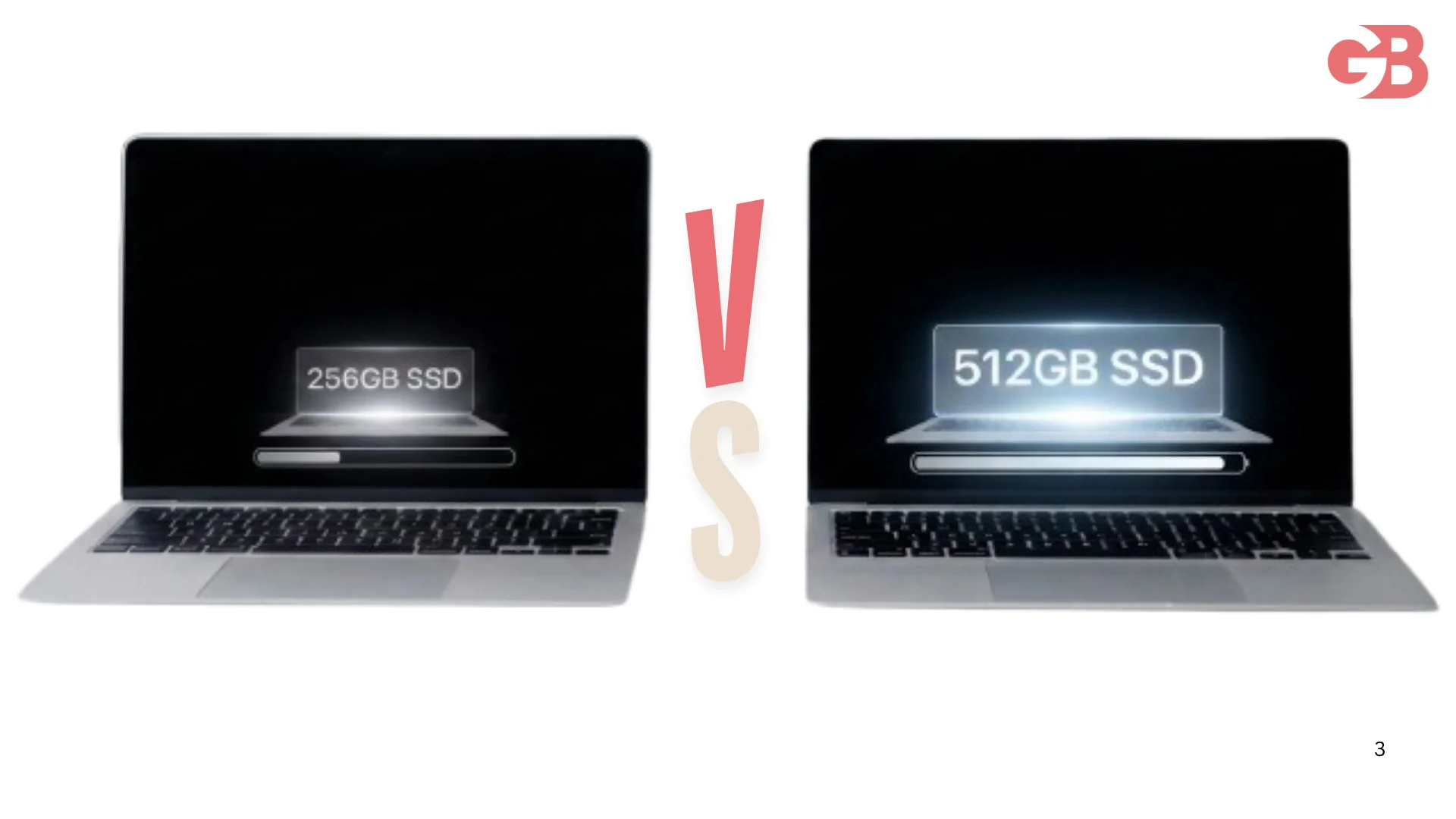
My cousin stood in an Apple Store for forty minutes last week doing the exact math thousands of people do every day. The 256GB MacBook Air was sitting there at a tempting discount. The 512GB version cost $200 more.
He texted me from the store asking if the upgrade was worth it. I told him to wait, went through the real numbers that evening, and sent him an answer that I'm now writing up properly.
Here's the honest breakdown of MacBook Air 256GB vs 512GB in 2026, including one big change Apple made this year that reshapes the whole question.
The Big 2026 Twist You Need to Know First
Before comparing anything, here's the update that changes this debate.
Apple refreshed the MacBook Air in March 2026 with the M5 chip. And with that refresh, Apple killed the 256GB option entirely. The M5 MacBook Air starts at 512GB standard.
 What That Means for Buyers
The 13-inch M5 Air starts at $1,299 and the 15-inch at $1,499, both with 512GB included. Apple also raised prices by $200 in June 2026 due to the ongoing global memory crisis pushing component costs up.
So the 256 vs 512 question in 2026 is really about the M4 MacBook Air, which is still widely available at serious discounts. The 13-inch M4 with 256GB has dropped as low as $799, while the 512GB version sits around $999.
That $200 gap is the decision this entire article helps you make.
What 256GB Actually Looks Like in Real Life
The number on the box is not the number you get. Let me break down where your storage actually goes.
The Storage You Lose Before You Start
macOS itself takes roughly 35GB before you install a single app. System data, caches, and temporary files typically grow to consume another 20 to 40GB over the first year of normal use.
Realistically, a 256GB MacBook Air gives you around 170 to 190GB of genuinely usable space. That's the honest starting point for this decision.
How Fast That Space Disappears
Here's a realistic picture of what everyday files consume.
Item | Typical Size |
|---|---|
macOS + system data | 55–75GB |
Microsoft Office / productivity apps | 10–15GB |
Photos library (moderate user) | 30–80GB |
A few modern games | 50–100GB each |
4K video projects | 20–50GB per project |
Xcode or dev environments | 40–60GB |
Local music library | 10–30GB |
A moderate user hits the 256GB ceiling faster than they expect. Usually within the first 18 months of ownership.
Who 256GB Actually Works For
I want to be fair here because 256GB is genuinely enough for a specific type of user.
The Cloud-First User
If your photos live in iCloud, your documents live in Google Drive, and your entertainment is all streaming, your local storage needs are minimal. Web browsing, email, documents, and video calls barely touch the SSD.
For this user, 256GB comfortably lasts the lifetime of the machine. The $200 saved is real money better spent elsewhere.
The Student on a Budget
A student doing writing, research, browsing, and streaming fits the 256GB profile well. The discounted $799 M4 Air at 256GB is arguably the best value laptop Apple has sold in years.
Pair it with iCloud storage at $2.99 monthly for 200GB and the total cost still beats the 512GB model for over four years of ownership.
The Secondary Machine Owner
If this MacBook Air is your travel or couch laptop alongside a main desktop, 256GB is plenty. The heavy files live on the main machine and the Air stays light.
Who Should Absolutely Get 512GB
Now the other side, because for these users the $200 upgrade pays for itself quickly.
Photographers and Video Creators
Multi-gigabyte files are the norm here. A single 4K video project or a large photo catalog can consume tens of gigabytes on its own.
Having local copies of project assets makes a huge difference to workflow speed, and 512GB becomes the comfortable minimum starting point rather than a luxury.
Developers
Virtual machines, Docker containers, Xcode simulators, and large development environments eat storage relentlessly. For developers, more space is almost always better.
A 256GB machine running a serious dev setup lives in a permanent state of storage anxiety. That constant cleanup ritual costs more in time than the $200 costs in money.
Anyone Keeping the Machine 5+ Years
MacBooks are often kept for many years. Over that lifespan, ample storage proves far more valuable than almost any other spec.
You might never notice a 15 percent performance difference. You will absolutely notice the day you can't save an important file or install an app you need.
Gamers on Mac
Mac gaming is genuinely real now, and modern titles regularly weigh 50 to 100GB each. Two or three installed games on a 256GB machine leaves almost nothing for everything else.
The Performance Question Everyone Asks
There's a persistent belief that the 512GB SSD is faster than the 256GB one. Here's the honest answer for 2026.
The Old Problem
Older base M2 MacBook Airs used a single NAND chip on the 256GB configuration, which made them measurably slower than the dual-chip 512GB versions. That created a real speed gap that tech reviewers documented heavily.
The Current Reality
On the M4 generation, both capacities use similar underlying technology and the real-world speed difference is negligible for everyday tasks. The M5 models went further with SSDs that are twice as fast across the board.
Buy the bigger drive for space, not for speed. The performance argument no longer holds meaningful weight.
The External Drive Argument
The classic counterpoint goes like this. Save the $200, buy a 1TB external SSD for around $80, and pocket the difference.
When That Logic Works
For archive storage, it works perfectly. Old projects, photo backups, media libraries, and files you touch occasionally live happily on an external drive at a fraction of Apple's storage pricing.
When It Falls Apart
For active working files, the external drive is friction. It's one more thing to carry, one more thing to forget at home, and one more cable occupying your single available port on a machine you bought for its portability.
The honest middle ground is that externals extend any Mac beautifully but they don't replace comfortable internal headroom for your daily working set.
The Resale Value Angle Nobody Calculates
Here's a factor that quietly changes the math on the $200 upgrade.
Used Mac buyers consistently pay a premium for higher storage tiers. A 512GB Air typically resells for $100 to $150 more than an equivalent 256GB unit in the same condition.
That means the true net cost of the upgrade over a full ownership cycle is often just $50 to $100. Framed that way, the 512GB decision gets significantly easier for anyone planning to sell their machine eventually.
The Decision Table
Let me compress everything into one honest reference.
Your Situation | Buy This |
|---|---|
Cloud-first casual user | 256GB M4 (discounted) |
Student on tight budget | 256GB M4 + iCloud |
Secondary/travel machine | 256GB M4 |
Photos or video work | 512GB minimum |
Developer | 512GB minimum |
Keeping it 5+ years | 512GB |
Mac gaming | 512GB |
Buying new M5 anyway | 512GB is standard now |
You can compare every current configuration side by side on Apple's official MacBook Air compare page, which lists the full storage, memory, and chip options across the lineup.
My Honest Recommendation
Here's exactly what I told my cousin standing in that store.
If the gap is $200 and you're keeping this machine for years, get the 512GB. Apple itself just admitted 256GB wasn't enough by eliminating it from the M5 lineup entirely. That's the strongest signal in this whole debate.
If budget is genuinely tight and your life lives in the cloud, the discounted 256GB M4 at $799 is a phenomenal deal that will serve you well. Just go in understanding the ceiling you're accepting.
He bought the 512GB. Three days later he'd already used 210GB migrating from his old laptop. Sometimes the answer confirms itself fast.
And if you're building out your full Apple setup alongside a new MacBook, our AirPods comparison for 2026 breaks down which earbuds pair best with each budget using the same honest decision framework.
FAQs
Is 256GB enough for a MacBook Air in 2026?
It's enough for cloud-first casual users and students, but moderate users typically hit the ceiling within 18 months of ownership.
Is the 512GB MacBook Air SSD faster than the 256GB?
Not meaningfully on M4 models. The old single-NAND speed gap from the M2 era no longer applies to current generations.
How much does the 512GB upgrade cost on MacBook Air?
The gap is $200 on M4 models, though discounts frequently shrink it. The M5 Air comes with 512GB standard.
Why did Apple remove the 256GB MacBook Air option?
The M5 refresh in March 2026 made 512GB the base storage, effectively acknowledging 256GB was too small for modern use.
Can I add storage to a MacBook Air later?
Internal storage is not upgradeable after purchase. External SSDs work well for archives but not as seamlessly for active daily files.