

My friend Hamza came over last week and he was just dead tired. Like eyes barely open, yawning every five minutes. I asked him how much sleep he was getting and he goes, "I have no idea honestly."
I looked at his wrist and he had an Apple Watch on. I told him bro, you have a sleep tracker literally sitting on your arm.
He had no clue how to use it. That got me curious, so I spent a week actually testing it myself and figuring out exactly how it works.
Here is everything we need to know.
First, Make Sure Your Watch Is Ready
Before we even talk about sleep tracking, we need to set a few things up.
Your Apple Watch needs to be on watchOS 7 or later. If you bought your watch in the last few years, you are probably fine.
We also need at least 30 percent battery before bed. Apple Watch does not track sleep if the battery is too low. So charging it for 30 minutes before you sleep is honestly a habit worth building.
I usually charge mine while I am eating dinner. Works perfectly.
 How to Turn On Sleep Tracking
This part is simple and I wish someone had just told me this from the start.
Open the Health app on your iPhone. Tap Browse at the bottom, then scroll down and tap Sleep.
From there you will see an option to set up Sleep. Tap that and follow the steps.
We can set a sleep goal, like how many hours we want to get each night. I set mine to 7.5 hours and it gave me a whole little schedule.
Once that is done, the watch automatically starts tracking when you wear it to bed. That is literally it.
Setting Up a Sleep Schedule
This part actually surprised me because it is more detailed than I expected.
Inside the Sleep section of the Health app, we can set a specific bedtime and wake-up time. The watch will remind us when it is time to wind down, which is lowkey helpful.
There is also a feature called Wind Down. It kicks in 15 to 30 minutes before bed and it basically simplifies your watch screen and notifications so you are not getting distracted.
I had notifications from my group chats blowing up at midnight before I turned this on. Now I actually sleep without picking up my phone every few minutes.
You can also set this schedule differently for weekdays and weekends. That was a nice touch.
What Does the Apple Watch Actually Track?
Okay so this is where it gets interesting.
The watch tracks time in bed, time asleep, and on newer models running watchOS 9 and above, it also tracks sleep stages.
Sleep stages means it breaks your night into REM sleep, core sleep, and deep sleep. It figures this out using your heart rate and the movement sensor on your wrist.
I checked my data after the first night and I was genuinely surprised. I thought I slept well but I had barely any deep sleep. The data was kind of a wake-up call, no pun intended.
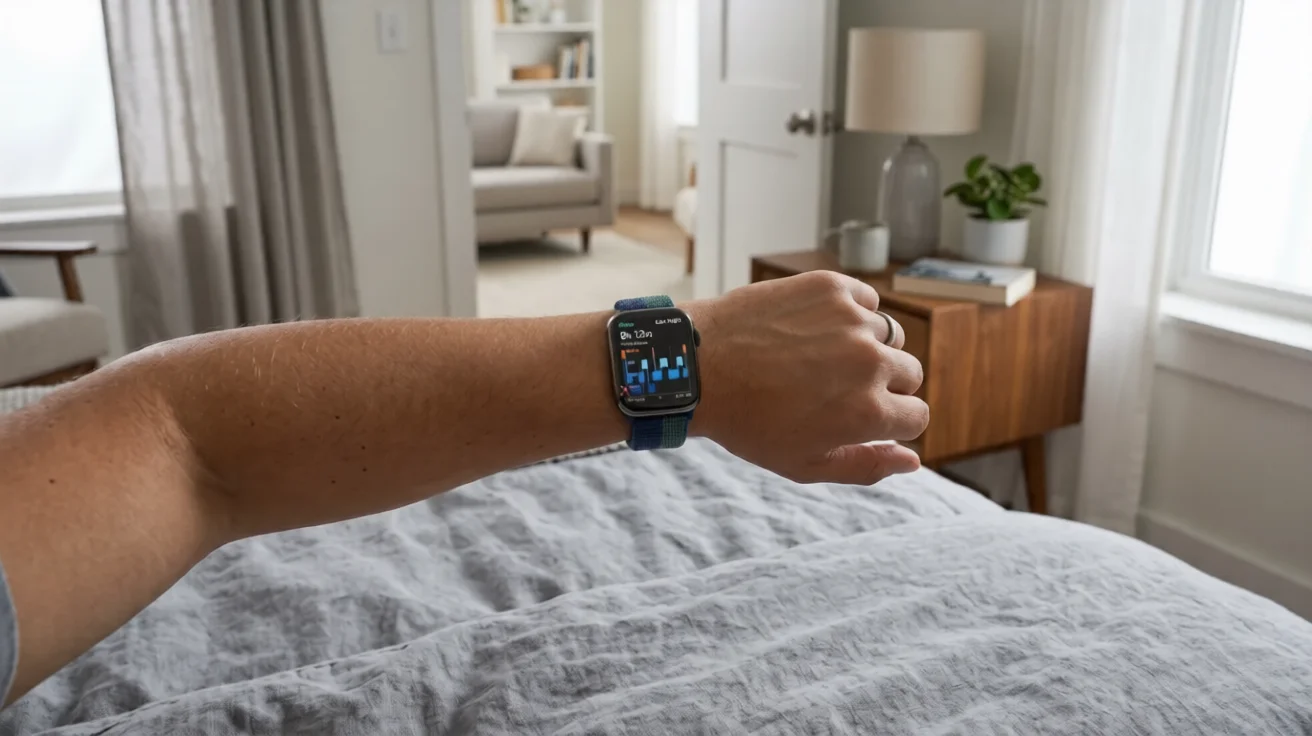
We can see all of this in the Health app under Browse then Sleep. It shows a little chart with color coded blocks for each stage.
Also Read: Can You Connect AirPods to Switch?
Wearing the Watch to Bed
I know a lot of people do not like sleeping with something on their wrist. I was one of those people.
But honestly after two or three nights I stopped noticing it. The Apple Watch is light enough that it does not bother you once you are used to it.
One thing I will say is that we have to wear it snug but not too tight. If it is loose it does not read the sensors properly and we get inaccurate data.
I tried sleeping with it loose one night just to test and the data was all over the place. It showed me waking up multiple times when I actually slept fine.
Using the Sleep App on the Watch Itself
There is also a Sleep app right on the watch that we can use directly.
Just press the Digital Crown, scroll through your apps, and tap the Sleep app. It shows us our last night's sleep summary and our sleep goal for the current week.
It is simple but useful for a quick check without pulling out the phone.
I check it most mornings when I wake up, before I even get out of bed. Takes five seconds.
Checking Your Sleep Data
The Health app is where all the good stuff lives.
Go to Health, then Browse, then Sleep. We can see a daily view, a weekly view, and a monthly view.
The weekly average is probably the most useful. It shows us patterns. Like I noticed I consistently sleep less on Sundays for some reason. Looking at the data made me realize I was staying up watching cricket.
We can also see our heart rate during sleep and respiratory rate if you have a newer watch. Those are under separate sections in the Health app but they feed from the same sleep session.
Focus Mode and Sleep Mode
When sleep tracking is on and it is during our scheduled sleep window, the watch automatically switches to Sleep Focus.
Sleep Focus silences notifications and dims the screen. If we lift our wrist it shows a simple clock, not all our apps and alerts.
I love this feature. My watch used to light up and show me random notifications at 3am. Now it stays quiet and the sleep data is also cleaner because the watch knows I am in sleep mode.
We can manually turn Sleep Focus on too by opening Control Center on the watch and tapping the crescent moon icon.
Why the Data Actually Matters
I want to talk about this because I think a lot of people set this up and then just ignore the numbers.
Once I started looking at my sleep stages every morning, I started making small changes. I stopped drinking chai after 9pm. I started putting my phone across the room.
Within two weeks my deep sleep went up noticeably. I felt more focused in the mornings.
The data does not fix anything on its own. But it gives us something to work with. We can actually see if a habit change is making a difference.
That is the part I found genuinely useful about tracking sleep on Apple Watch. It turns something invisible into something we can actually look at and improve.
Final Thoughts
Look, Hamza is now checking his sleep data every morning. He told me he had no idea how bad his sleep was until he actually started looking at the numbers.
We carry these powerful tools on our wrists and most of us never use half of what they do.
Sleep tracking on Apple Watch is one of those features that sounds small but actually changes how you think about your health. Once we start seeing the data we start caring about it.
Take 10 minutes to set it up tonight. I promise it is worth it.
FAQs
Does Apple Watch track sleep automatically?
Yes, once Sleep is set up in the Health app, the watch tracks your sleep automatically every night you wear it.
Do I need to charge my Apple Watch every day if I wear it to bed?
Most people charge it in the evening before bed or in the morning. Around 20 to 30 minutes is enough for most use cases.
What Apple Watch models support sleep stage tracking?
Sleep stages with REM, core, and deep sleep are available on Apple Watch Series 4 and later running watchOS 9 or above.
Can I track sleep without setting a schedule?
Yes. If you wear your watch to bed it will still track your sleep even without a sleep schedule set. The schedule just gives you reminders and enables Wind Down.
Is the sleep data on Apple Watch accurate?
It is a good general picture but not medical grade. For personal tracking and spotting trends it works really well.
What if my battery dies overnight?
If the battery dies during sleep the watch stops tracking. That is why charging before bed to at least 30 percent is important.