

Three days. My keys were missing for three days and I tore my entire room apart looking for them.
My friend watched me stress about it and just said, "bro why don't you have an AirTag on those."
I did not even know what he was talking about. I had heard the name before but never actually looked into it.
So I bought one that same week. Set it up. And now I genuinely cannot imagine not having it.
Let me walk you through exactly how to set up AirTag because it is way simpler than I expected and I wish someone had just explained it to me like this from the start.
What You Need Before You Start
Okay so before we even get into the setup, let me just quickly tell you what you actually need.
You need an iPhone. AirTag only works with Apple devices so if you are on Android this is not the one for you.
Your iPhone needs to be running iOS 14.5 or later. If your phone is newer than 2021 you are almost definitely fine.
You also need Bluetooth turned on and you need to be signed into your Apple ID.
That is it. No app to download separately, no account to create. If you have an iPhone and an Apple ID you are basically already ready.
 How to Set Up AirTag, Step by Step
Alright here we go. This is the part I actually want to walk you through properly.
Step 1: Pull the Tab on the AirTag
When you first get your AirTag out of the box there is a small plastic tab sticking out from the side of it.
Pull that tab out. It is just there to keep the battery inactive during shipping.
Once you pull it you will hear a little chime sound. That means the AirTag is awake and ready to pair.
Step 2: Hold It Near Your iPhone
Now just hold the AirTag close to your iPhone. Like within a few inches close.
A setup card will automatically pop up on your screen. You did not press anything. It just appears.
That part still kind of impresses me every time I see it happen with a new one.
Step 3: Tap Connect
The popup will ask if you want to connect this AirTag to your Apple ID.
Tap Connect. Simple as that.
Step 4: Give It a Name
Now it asks you what this AirTag is for. Apple gives you a list of options like Keys, Wallet, Bag, Backpack, Luggage.
Pick the one that matches what you are attaching it to. Or tap Custom Name if you want to name it something specific.
I named mine "House Keys" just to keep it obvious.
Step 5: Confirm and Done
It will show you a quick summary and ask you to confirm. Tap Done.
The whole process takes about 45 seconds. I am not exaggerating. It is that fast.
Where to Find Your AirTag After Setup
Once it is set up you track everything through the Find My app.
You do not need to download it. It already comes on every iPhone. Just look for the green icon that looks like a radar.
Open Find My, tap the Items tab at the bottom, and your AirTag will be right there showing you its last known location on a map.
If it is nearby you can also tap Play Sound and the AirTag will start beeping so you can find it by ear.
That feature alone has saved me so many times already.
The Precision Finding Thing Is Actually Insane
Okay so if you have an iPhone 11 or newer there is this feature called Precision Finding and I need to talk about it.
When your AirTag is close by, like somewhere in your house or in the same room, you can open Find My and tap the arrow button.
Your phone will show you a live direction arrow and distance. Like "3 meters, turn left."
It uses a combination of Bluetooth, the camera, and the U1 chip inside newer iPhones to guide you right to it.
The first time I used it I genuinely just stood there impressed for a second.
It does not just tell you it is nearby. It walks you to it like a little treasure map.
Also Read: How to Screenshot on Windows (Every Method That Actually Works)
Attaching the AirTag to Your Stuff
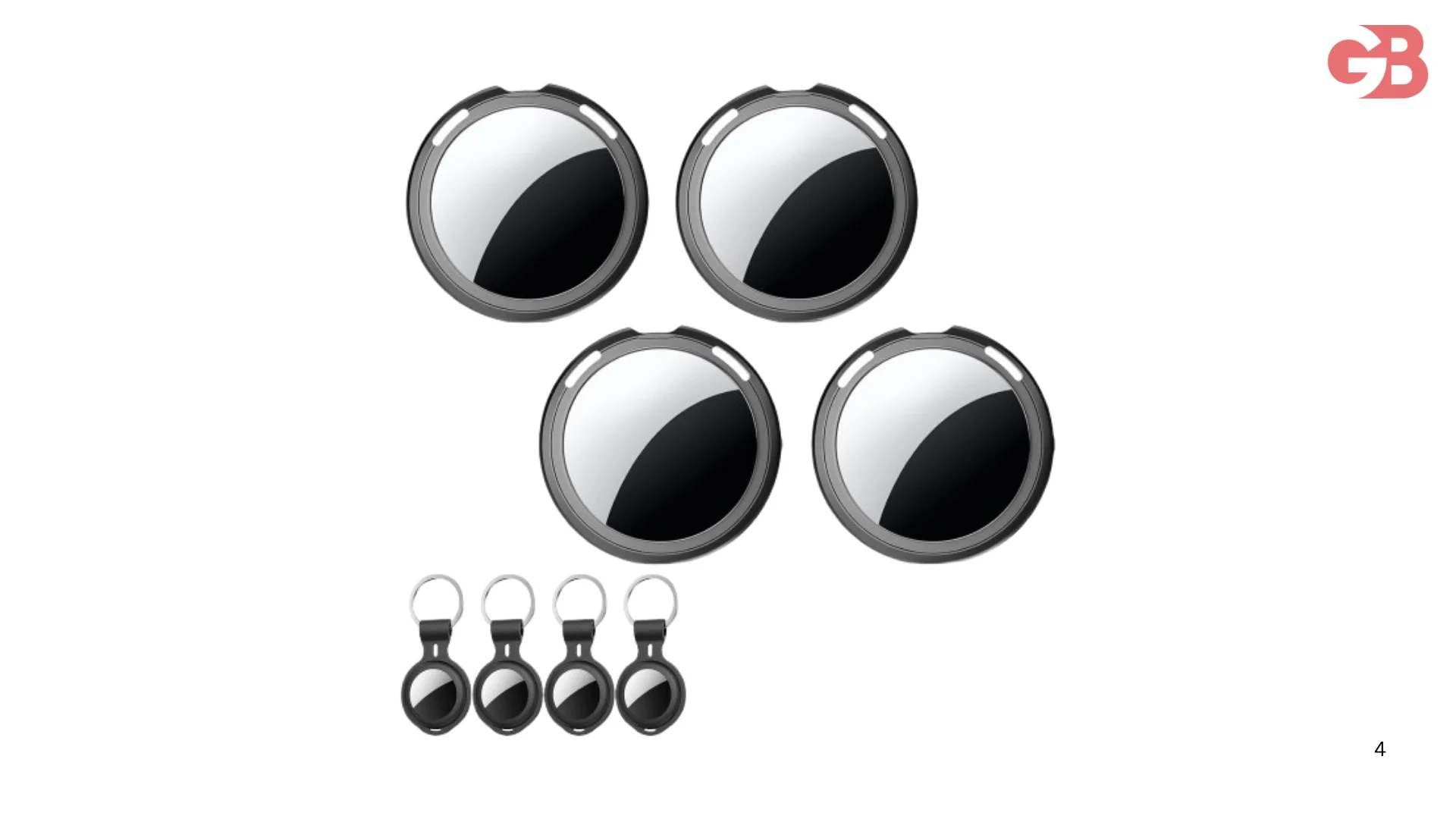
The AirTag itself is just a small round disc. It does not come with any attachment built in.
So you need to grab a holder for it separately. Apple sells their own leather loops and key rings but honestly they are kind of expensive.
There are loads of third party options on Amazon that work just as well for a fraction of the price.
For keys I use a simple key ring holder. For my bag I use a little silicone loop that clips onto a zipper.
You can also get wallet inserts that hold the AirTag flat inside your wallet if that is what you need it for.
Just make sure whatever holder you get is actually sized for AirTag. They are 31.9mm wide so most options labeled for AirTag will fit fine.
One Thing I Want You to Know About Battery
The AirTag runs on a CR2032 battery. You know those small round silver batteries you see everywhere.
The battery lasts about a year before you need to replace it. Your iPhone will actually notify you when it is running low so you will not be caught off guard.
To replace it you just press down on the back of the AirTag and twist it open like a bottle cap.
Pop the old battery out, drop the new one in, close it back up. Done in about 30 seconds.
Replacement batteries are super cheap and you can get a pack of them for almost nothing online.
Can Someone Use an AirTag to Track You Without You Knowing?
This question comes up a lot and I want to address it properly.
Apple built in anti-stalking protections specifically for this.
If an AirTag that is not registered to you has been traveling with you for a while, your iPhone will send you a notification saying "AirTag Found Moving With You."
You can then make it play a sound to find it, see its serial number, and get instructions on how to disable it.
Android users are not fully covered by this system which is a legitimate criticism of the product. But for iPhone users the protection is there.
The AirTag also beeps on its own after being separated from its owner for a period of time. So if someone tried to hide one in your stuff you would likely hear it eventually.
It is not a perfect system but Apple has clearly thought about this more than most companies would.
Setting Up Multiple AirTags
If you want to set up more than one, and honestly most people end up buying a few once they try the first one, the process is exactly the same for each one.
Just repeat the steps. Pull the tab, hold it near your phone, name it, done.
You can have up to 16 AirTags connected to a single Apple ID at the same time.
I currently have three. Keys, backpack, and my camera bag. And I check on them maybe once a week just for peace of mind.
FAQs
Does AirTag work with Android?
No. AirTag is built for iPhone only and requires iOS 14.5 or later to set up and use.
How far does AirTag range work?
It uses Bluetooth so the range is roughly 30 to 60 feet for direct connection. Beyond that it uses Apple's Find My network to update the location.
Can I use AirTag without WiFi?
Yes. AirTag uses Bluetooth and the Find My network which runs through other Apple devices nearby, not your home WiFi.
What if my AirTag is not showing up after setup?
Make sure Bluetooth is on, you are signed into your Apple ID, and your iPhone is on iOS 14.5 or later. Restarting the phone usually fixes it.
Can I share an AirTag with a family member?
Not directly. AirTag is tied to one Apple ID. But you can share your location with family through the Find My app separately.
Is AirTag waterproof?
It has an IP67 rating which means it can handle being submerged in up to one meter of water for 30 minutes. So rain and splashes are no problem at all.
How do I remove an AirTag from my account?
Open Find My, go to Items, tap the AirTag, scroll down and tap Remove Item. Done.
Setting up AirTag was one of those things I kept putting off because I assumed it would be complicated.
And then I actually did it and it took less than a minute.
If you have been losing things regularly, keys, bags, wallet, anything you carry daily, I genuinely think this is one of the most practical little gadgets you can buy right now.
My keys have not been missing for more than about eight seconds since I got one.
That alone was worth every rupee.