

I had the same black rubber band on my Apple Watch for almost eight months.
Not because I liked it that much. Just because I had no idea changing it was this easy.
My sister picked up my watch one day, looked at it, and said "why do you still have this ugly band on."
I told her I did not really know how to change it. She looked at me like I had just said something embarrassing.
Turns out she was right. Because once I actually learned how to change Apple Watch band I started doing it all the time. Different bands for different days, different outfits, different moods.
It completely changed how I feel about wearing the watch. So let me just walk you through the whole thing.
Why People Actually Swap Their Apple Watch Bands
Before I get into the steps I want to quickly talk about why this even matters.
When I bought my Apple Watch I thought the band was just part of the watch. Like it came as one thing and that was it.
But Apple designed the band system so you can change it in seconds without any tools at all.
That means we can have a sporty silicone band for the gym, a nice leather or stainless steel one for when we are going somewhere formal, and a casual woven one for everyday use.
Same watch. Completely different look every time.
Once I realized that, I stopped thinking of my Apple Watch as one product and started thinking of it as something I could actually style.
What You Need to Change Your Apple Watch Band
This is honestly the best part. You need nothing.
No screwdriver. No tools. No accessories.
Just your fingers and the watch itself.
Apple built a little release button system into the back of every Apple Watch that makes band swapping completely tool free.
I will explain exactly how it works in the next section.
How to Change Apple Watch Band, Step by Step
Alright let me walk you through this properly. It takes about 20 seconds once you know what you are doing.
Step 1: Flip the Watch Over
Turn your Apple Watch face down so you are looking at the back of it.
You will see the circular sensor area in the middle and then on either side of it you will notice two small oval shaped buttons.
Those are the band release buttons. One is near the top band and one is near the bottom band.
Step 2: Press and Hold the Release Button
Press and hold one of those oval buttons. You do not need to press hard, just firm and steady.
While you are holding it, slide the band out sideways. It will slide smoothly out of the slot.
Do the same for the other side. Press, hold, slide out.
Both pieces of the band will come off cleanly. No force needed at all.
If it is not sliding, make sure you are pressing the button the whole time while sliding. A lot of people press and release too quickly.
Step 3: Slide the New Band In
Take your new band. You will notice each piece has a little metal connector at the end with a small notch cut into it.
Slide that connector into the slot on the watch. You will feel and hear a small click when it locks in.
Do the same for the other piece on the other side.
Once both pieces click in, give them a gentle tug to make sure they are locked properly.
That is it. You just changed your Apple Watch band.
Seriously it took me longer to find my new band in the packaging than it did to actually swap it.
Also Read: How to Set Up AirTag in Under 2 Minutes
How to Know Which Bands Fit Your Watch
Okay this part matters and I want to make sure you get it right before buying anything.
Apple Watch bands are sized by the watch case size, not by your wrist size.
If you have a 40mm or 41mm Apple Watch you need bands labeled for 40mm or 41mm.
If you have a 44mm or 45mm watch you need bands for 44mm or 45mm.
Apple Watch Ultra uses 49mm bands which are their own size.
The connector system is the same across all sizes so the mechanism works the same way. The sizing is just about the width of the band fitting the watch properly.
Also worth knowing is that most bands made for older Apple Watch models still work on newer ones. The connector design has stayed the same for years so we have a huge range of compatible options.
The Different Types of Apple Watch Bands Out There
Once I started exploring this I realized how many options we actually have. Let me break down the main ones.
Sport Band
This is the rubber silicone one that comes with most Apple Watches out of the box.
It is comfortable, sweat resistant, easy to clean, and holds up really well. Great for the gym or everyday casual use.
Sport Loop
This is a woven nylon band with a velcro style closure. It is lighter than the sport band and feels really breathable on the wrist.
I use this one in summer because it does not trap heat the way rubber can.
Milanese Loop
This is a metal mesh band that looks really premium. It has a magnetic closure so you can adjust the fit precisely anywhere along the band.
It looks great dressed up. This is the one I reach for when I am going somewhere that is not the gym.
Leather Bands
Apple makes a few leather options and there are loads of third party ones too.
They look sharp and age nicely over time. Just not ideal for workouts or heavy sweating.
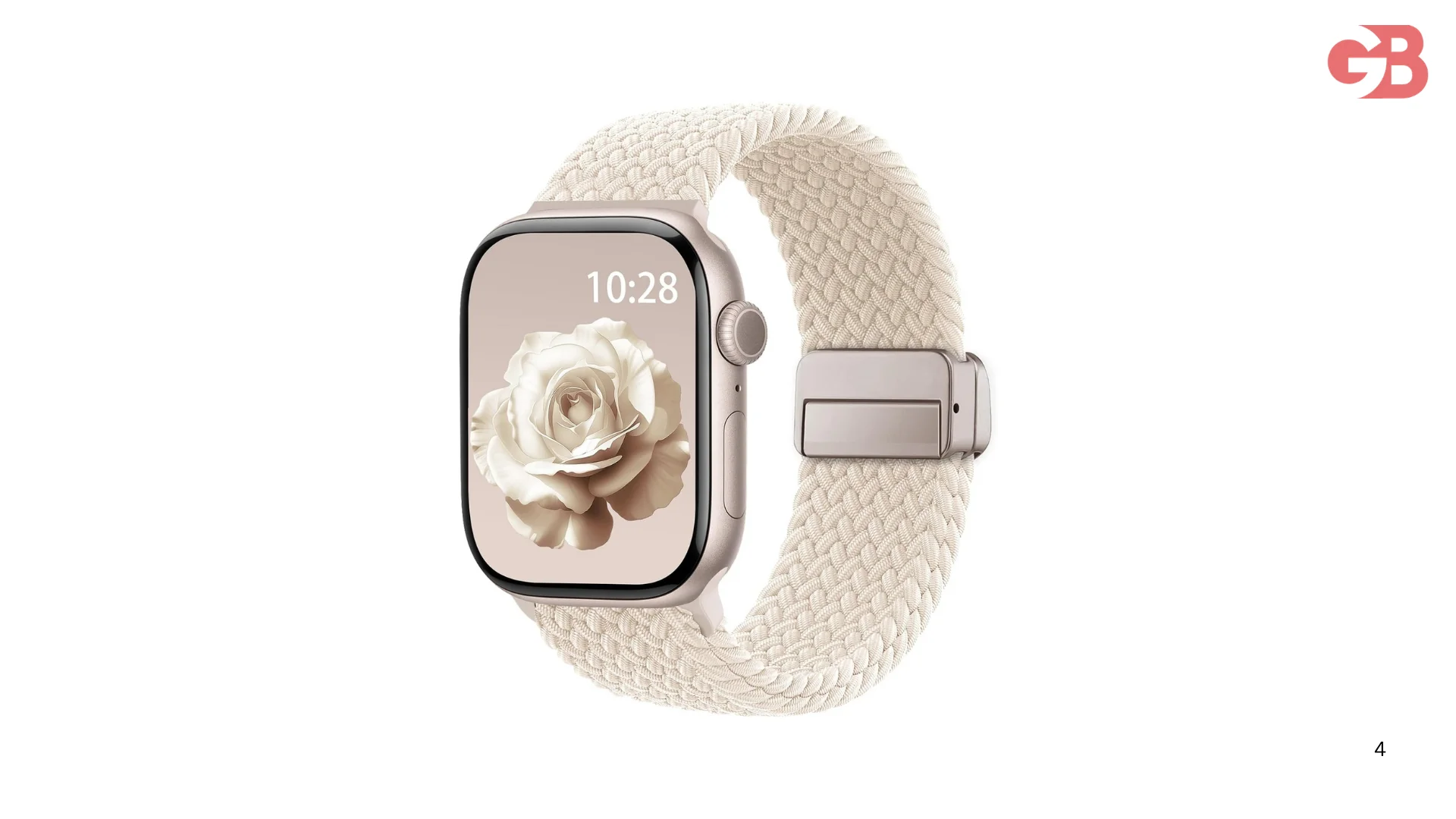
Braided Solo Loop and Solo Loop
These are stretchable bands with no clasp at all. They stretch over your hand and sit snugly on the wrist.
The fit has to be right though. Apple has a sizing guide for these because too loose or too tight kills the experience.
Third Party Bands
Honestly some of the best bands I own are not from Apple at all.
There are tons of quality third party options for a fraction of the price. Just make sure they are labeled as compatible with your specific watch size and you will be fine.
Tips I Wish I Knew Earlier
A few things I picked up after swapping bands for a while that I want to pass on.
Line up the band properly before sliding it in. If it is slightly crooked it will feel like it is not going in but it is just the angle.
Do not force anything. If it is not sliding smoothly you are either not pressing the button firmly enough or the band is not aligned right. Ease off and try again.
Clean the slots occasionally. Dust and lint can build up in the band slots over time especially with the sport band. A soft cloth or a quick blast of air keeps things smooth.
If you are buying a new band, check the return policy. Fit and feel are personal and sometimes a band looks great online but does not work as well in real life.
FAQs
Can I change my Apple Watch band without any tools?
Yes, completely tool free. Apple built release buttons into the back of every Apple Watch for exactly this purpose.
Do all Apple Watch bands fit all models?
Most do as long as you match the case size. The connector system has stayed the same across generations so older bands work on newer watches.
How do I know my Apple Watch band size?
Check the back of your watch or your original box. It will say 40mm, 41mm, 44mm, 45mm, or 49mm for Ultra.
Are third party Apple Watch bands worth it?
Most of them are genuinely good. Just make sure they are labeled for your watch size and read a few reviews before buying.
How often can I swap Apple Watch bands?
As often as you want. The mechanism is designed for regular swapping and does not wear out from normal use.
Can the band release button get stuck?
It can if there is debris in the slot. A gentle clean with a soft cloth usually fixes it. Do not use anything sharp or wet near the watch.
Do Apple Watch bands stretch or wear out over time?
Rubber sport bands can get slightly looser over years of heavy use. Fabric and leather bands age naturally. Metal options basically last forever.
I genuinely wish someone had shown me how to change Apple Watch band in year one instead of year two.
Because I spent almost a full year wearing the same band every single day when I could have been switching things up the whole time.
The watch hardware is the same for everyone. But the band is where you actually make it yours.
And now that I know how quick and easy the swap is, I pick up a new band every few months just to keep things fresh.
It is one of those small things that just makes owning the watch way more fun.