

Most Apple Watch owners keep their iPhone within Bluetooth range for 90 percent of their day. That single fact is the honest starting point for this entire decision, and almost nobody mentions it before pushing you toward the pricier option.
Here's the full, unvarnished breakdown of what cellular actually costs over time, what it genuinely unlocks, and who's realistically wasting money on a feature they'll use twice a year.
The Actual Question Nobody Asks First
GPS versus Cellular isn't really about specs. Both watches run the same chip, have the same processing power, and look nearly identical on your wrist. The entire decision comes down to one question: how often do you genuinely leave your phone behind while still wanting your watch to function fully?
If the honest answer is "rarely," you already know most of what this article is going to tell you.
 What Cellular Actually Does Differently
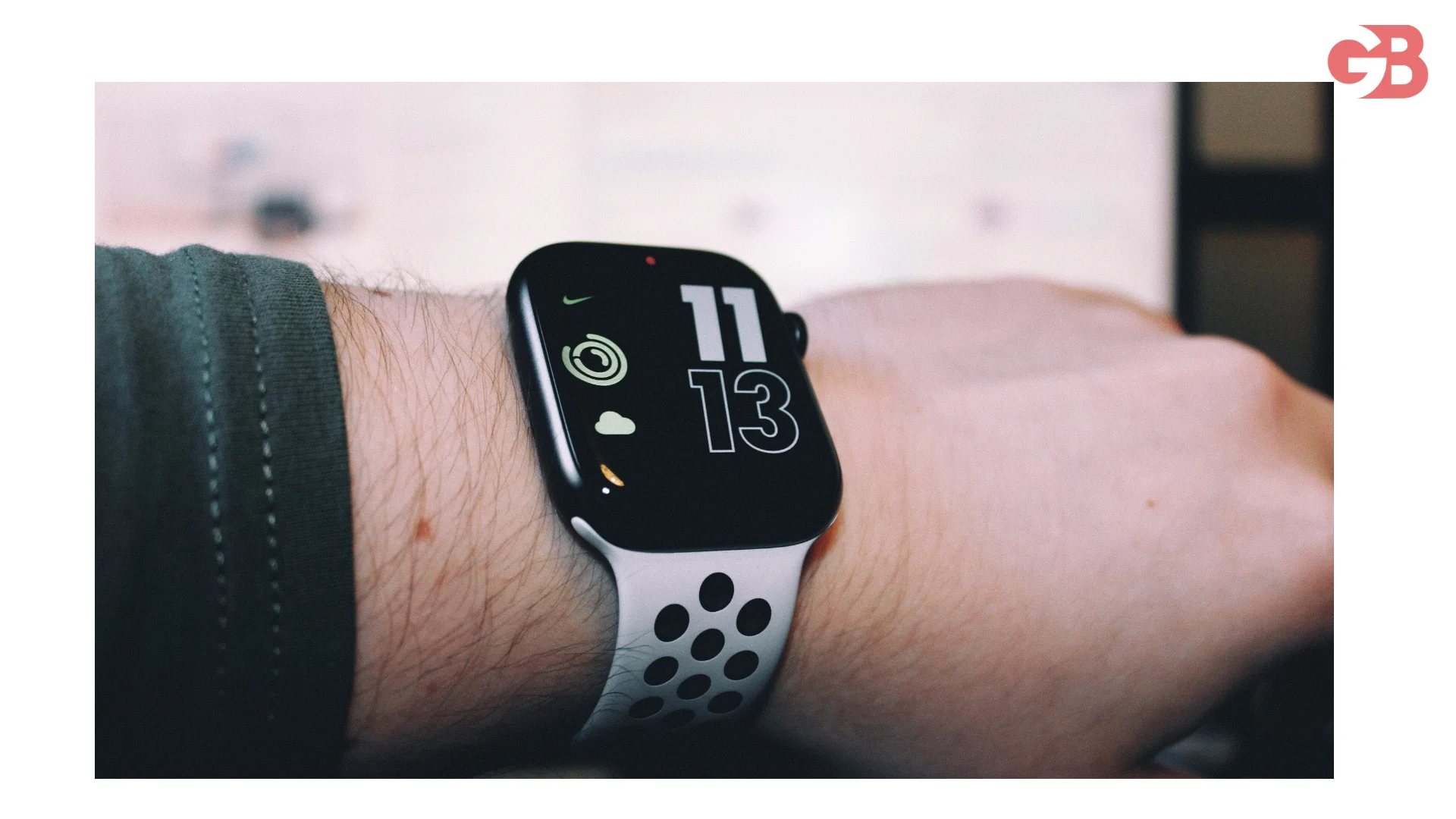
A Cellular model has its own LTE radio and gets its own phone number, mirrored from your iPhone through your carrier via eSIM. When you walk out the door without your phone, the Cellular model switches to its own connection and keeps working, calls, texts, Siri, Apple Pay, app notifications, and music streaming over Apple Music or Spotify Premium.
The GPS-only model does almost everything the same, as long as your iPhone stays nearby over Bluetooth. Step outside that range without your phone, and a GPS watch loses calls, texts, streaming, and most live notifications until you're back in range.
The Real Price Gap: Upfront Costs by Model
Here's exactly what the hardware difference actually costs across Apple's current lineup.
Model | GPS Price | GPS + Cellular Price | Difference |
|---|---|---|---|
Apple Watch SE | Starts at $249 | Starts at $299 | $50 |
Apple Watch Series 11 | Starts at $399 | Starts at $499 | $100 |
Apple Watch Ultra | Cellular standard | Cellular standard | N/A |
That upfront gap is only half the actual cost story, and it's the half most comparison articles stop at.
The Monthly Fee Almost Everyone Underestimates
Activating cellular requires a separate monthly plan through your carrier, typically running around $10 in the US, though it can range between $10 and $20 depending on the provider. That's roughly $120 a year, every year, for as long as the line stays active.
Run the real math over three years for a Series 11 Cellular model: $100 purchase difference plus $360 in carrier fees across three years equals $460 more than the GPS model over that same period. That's not a rounding error, it's a meaningful ongoing expense that deserves the same scrutiny you'd give any recurring subscription.
The Detail Almost Nobody Explains Clearly
Here's something genuinely worth knowing before you shop, since it affects your choice regardless of whether you plan to activate cellular at all.
Apple ties certain materials to certain models. Aluminum Apple Watches can be configured as either GPS or GPS + Cellular. Stainless steel and titanium watches are Cellular-only, whether you actually use the data feature or not. That means if you want a titanium Apple Watch specifically for its durability or premium finish, you're paying for the cellular hardware automatically, even if you never activate a plan.
That's an important nuance for buyers browsing by material rather than by feature list, since the "should I get cellular" decision sometimes gets made for you the moment you pick a specific case material.
Can You Spot the Difference by Looking at the Watch?
This used to be simple. For years, Cellular models were visually marked with a distinctive red ring around the Digital Crown, making identification easy at a glance in any store.
That's no longer reliable. Starting with Apple Watch Series 10, the visual distinction largely disappeared, and current GPS and Cellular versions of the same model look, feel, and weigh within a gram of each other. The only definitive way to confirm which version you own, or which one you're actually buying, is checking Settings, then General, then About on the watch itself, or verifying the exact model number before purchase.
Don't rely on old advice about "just look for the red ring" if you're buying a recent-generation Apple Watch. That guidance is genuinely outdated now.
The One Feature That Actually Requires Cellular
Beyond leaving your phone at home, there's exactly one capability that makes cellular non-negotiable rather than optional.
If you want Family Setup, meaning letting a child or an older family member without their own iPhone use an Apple Watch independently, you must have a Cellular Apple Watch. Apple does not support Family Setup on GPS-only models at all. This is the single clearest use case where the extra cost isn't really a choice, it's a hardware requirement for the feature to function.
For parents specifically getting a kid their first Apple Watch, or families setting up a watch for an elderly relative who doesn't carry a smartphone, this single fact usually settles the entire decision on its own.
Battery Life: The Trade-Off Cellular Doesn't Advertise
Running on LTE consumes noticeably more battery than staying paired to your iPhone over Bluetooth. If you're actively using cellular data away from your phone, expect faster battery drain than you'd see on a typical Bluetooth-connected day.
In practice, this rarely changes daily charging habits since most people charge overnight regardless. But if you're specifically planning long outdoor activities where you'll be relying on cellular the entire time, factor that accelerated drain into your expectations rather than assuming identical battery performance to GPS-only use.
The Roaming Limitation That Catches Travelers Off Guard
Here's a real limitation worth knowing before you assume cellular solves connectivity everywhere. The Apple Watch eSIM generally doesn't support roaming with most carriers when you travel internationally. Abroad, you'll typically need to rely on Wi-Fi or keep your iPhone nearby, largely negating the phone-free independence that's the entire point of paying for cellular in the first place.
If international travel is a significant part of why you're considering cellular specifically, that expectation needs adjusting. It solves domestic phone-free independence far better than it solves travel connectivity.
You Can Buy Cellular and Simply Not Activate It
Here's a flexible middle path worth knowing about. You can purchase a Cellular model and never activate a data plan at all, letting it function exactly like a GPS-only watch with no monthly charge. This preserves future flexibility, since you cannot upgrade a GPS-only model to Cellular later, the difference is physical hardware, an eSIM chip and additional antennas, not something a software update can add.
You can also activate cellular, use it for a season, and cancel the plan anytime through your carrier. The watch simply reverts to GPS-only functionality with no monthly charge going forward, which is a genuinely low-risk way to test whether you actually use the feature before committing long-term.
Who Should Actually Buy Cellular
Runners and outdoor athletes who want to leave their phone home entirely during workouts while still receiving calls, texts, and streaming music get the clearest, most consistent value from cellular.
Parents setting up Family Setup for a child, or family members setting up a watch for a relative without a smartphone, need cellular as a hardware requirement, not a preference. Anyone in a role requiring constant reachability, on-call workers, new parents, caregivers, who genuinely can't risk missing a call during the hours their phone might be out of reach, benefits from the independence cellular provides.
Who Should Save Their Money
If your iPhone realistically stays within a few feet of you throughout most of your day, at your desk, in your bag, on the nightstand, you're paying $460 over three years for independence you'll rarely actually use.
Casual users tracking steps, checking notifications at their desk, or using basic fitness features get essentially the same daily experience from the GPS model at a meaningfully lower total cost. Budget-conscious buyers, especially those buying a first Apple Watch to see how much they'll actually use it, are better served starting with GPS and upgrading later if a genuine need emerges.
The Honest Decision Framework
Ask yourself these questions in order before deciding.
Do I need Family Setup for a child or family member without a smartphone? If yes, cellular is required, not optional. Do I regularly go running, hiking, or working out somewhere I genuinely want to leave my phone behind entirely? If yes, cellular delivers real, consistent value.
Does my job or family situation require guaranteed reachability during hours my phone might not be nearby? If yes, the peace of mind likely justifies the cost. If none of these apply, and you're mainly drawn to cellular because it sounds like the "better" or more complete option, the GPS model covers the same daily experience for $460 less over three years.
For the full breakdown of what's coming in Apple's next watch generation before you commit to either configuration, our Apple Watch Series 12 release date guide covers the expected timeline and features worth waiting for if your current watch still has some life left in it.
Checking Carrier Compatibility Before You Buy
Not every carrier supports Apple Watch cellular plans, and fewer still support Family Setup specifically. Before assuming your current carrier will work, verify directly through Apple's official list of supported carriers, which stays current as carrier partnerships change and is the only reliable source for confirming compatibility ahead of purchase.
FAQs
Do I need cellular on my Apple Watch?
Only if you want Family Setup, plan to leave your phone home regularly during workouts, or need guaranteed reachability without your iPhone nearby.
How much more does Apple Watch Cellular cost over time?
Roughly $460 more over three years for a Series 11, combining the $100 upfront difference and about $120 in annual carrier fees.
Can I upgrade a GPS Apple Watch to Cellular later?
No, the difference is physical hardware, an eSIM chip and additional antennas, that can't be added through a software update.
Does Apple Watch Cellular work internationally?
Generally not for roaming with most carriers, so you'll typically need Wi-Fi or your iPhone nearby while traveling abroad.
Can I buy Cellular and choose not to activate the plan?
Yes, the watch functions exactly like a GPS-only model with no monthly charge until you decide to activate cellular service.