


A developer friend of mine bought a portable monitor last year purely based on its glowing Amazon reviews, plugged it into his MacBook with a random USB-C cable he had lying around, and got nothing but a charging indicator. No image. Turns out not every USB-C port, or cable, actually carries video, and nobody told him that before he clicked buy.
That's exactly the kind of gap I want to close here. I went through the current 2026 lineup properly, cross-checked specs against multiple independent test sources rather than trusting a single roundup, and built this around real use cases instead of a flat top-ten list. Here's the best portable monitors worth your actual money right now, and the technical details that decide whether your setup works the first time or not.
What Actually Makes a Portable Monitor Worth Buying
Here's the thing I think most buying guides skip. A portable monitor isn't just a smaller version of your desk monitor. It's judged on a completely different set of priorities, weight, thickness, single-cable convenience, and whether it can run purely off your laptop's power without a separate brick.
A monitor that scores well on paper but weighs three pounds and needs its own power adapter defeats the entire purpose of "portable." I'd rather you understand that trade-off upfront than discover it after your bag's already packed for a trip.
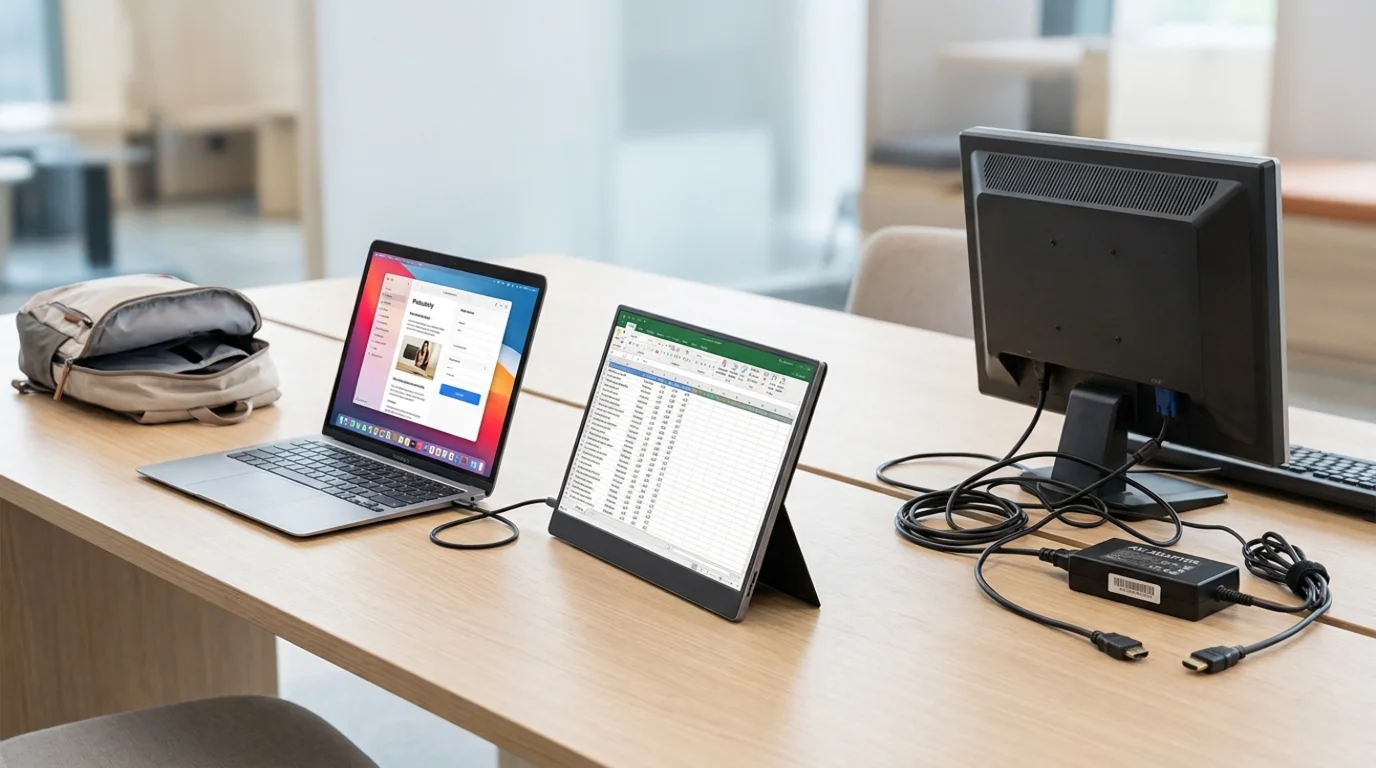 Best Portable Monitors Overall
If I had to point one person toward a single pick without knowing much else about their setup, I'd lean toward the Arzopa Z3FC. It serves up a 180Hz, 2560×1440 IPS-LCD panel in a genuinely slim, light package, which is a rare combination at this price tier since high refresh rate and higher resolution together usually push you into premium territory.
For anyone wanting the best possible image quality regardless of budget, the ASUS ZenScreen OLED MQ16AH is the one I'd point toward instead. It's a 15.6-inch OLED panel with 100% DCI-P3 color coverage, a 0.1ms response time, and HDR True Black 500, weighing an almost unbelievable 360 grams at just 6mm thick.
Who the Z3FC is for: Buyers wanting sharp resolution and smooth motion without paying OLED premium pricing.
Who the OLED MQ16AH is for: Creators, photographers, and anyone who's used OLED before and can't go back to washed-out IPS blacks.
Not for: Anyone on a genuinely tight budget, since both sit meaningfully above the cheapest entry-level options I'll cover below.
Best Portable Monitor for Productivity
For spreadsheet-heavy, document-heavy, multi-window work, color accuracy and screen real estate matter more than refresh rate. The ASUS ZenScreen OLED MQ16AH earns its spot here too, specifically because of that DCI-P3 coverage and true blacks, dark mode in your code editor or document viewer looks genuinely different on OLED than on a standard IPS panel.
If a larger canvas matters more to you than portability, the ASUS ZenScreen MB27ACF is worth knowing about specifically because it's a 27-inch 1440p portable monitor, a genuinely unusual size and resolution combination for something still built to travel.
Best for: Remote workers and anyone running spreadsheets, documents, or coding environments where screen space and color clarity matter more than gaming-grade motion smoothness.
Not for: Anyone prioritizing pure portability, since a 27-inch panel is a meaningfully bigger commitment to carry than the 15 to 16-inch options most of this category is built around.
Best Budget Portable Monitor
The Arzopa Z1FC is the clearest budget pick in this entire category right now. Pricing sits around $100 to $130, which makes it one of the cheapest 144Hz portable monitors available anywhere.
It delivers an attractive aluminum back panel with an integrated kickstand, weighs just 1.7 pounds, and measures roughly 0.3 inches thick. The 144Hz refresh rate and bright 337-nit display are notably better than most competitors at this price, and dual USB-C ports with power delivery mean a genuinely simple, single-cable, plug-and-play setup if your laptop has USB-C output.
I want to flag something on pricing here. Some sources list the Z1FC bundled with a carrying case at $170 to $200, while the base unit without the case runs closer to $100. Check exactly what's included before you buy, since that case bundle is a meaningful price jump for something you might not actually need.
Best for: Budget-conscious buyers who still want a legitimately good refresh rate and brightness rather than settling for a dim, sluggish 60Hz panel just to save money.
Not for: Anyone needing the absolute sharpest color accuracy for creative work, where the IPS panel here trades some precision for the price point.
Best Portable Monitor for Gaming
If refresh rate is your top priority above everything else, the ASUS ROG Strix XG17AHP targets gamers specifically with Adaptive-Sync technology, and it's consistently named among the strongest dedicated gaming options in this category.
For anyone wanting an even bigger canvas for gaming specifically, a 17.3-inch model running at 300Hz has been highlighted for its combination of display size and exceptional refresh rate, genuinely fluid for fast-paced competitive titles where every frame matters.
Best for: PC and console gamers who want a second screen that can actually keep up with high refresh rate content, not just display it technically.
Not for: Anyone whose primary use is productivity or content consumption, where that gaming-grade refresh rate is paying for a capability you'll rarely notice using.
Best Portable Monitor for Travel
Weight and thickness decide this category more than anything else. The ASUS ZenScreen MB16AC weighs just 1.7 pounds with an ultra-slim profile, slipping into a laptop bag without adding noticeable bulk.
It supports both USB Type-C and Type-A connections through a hybrid signal solution, and includes auto-rotation that switches between landscape and portrait automatically, genuinely useful for reviewing long documents or reading code vertically. The honest limitation is that it's capped at a standard 60Hz refresh rate, which feels noticeably less smooth compared to something like the Arzopa Z3FC if you're used to higher refresh displays.
Best for: Business travelers and anyone prioritizing minimal bag weight over gaming-grade performance.
Not for: Gamers or anyone sensitive to motion smoothness, where that 60Hz ceiling will feel like a real step down.
Best Portable Monitor for MacBook
Here's where the USB-C detail from my friend's story actually matters. For a genuinely clean single-cable MacBook setup, you need a monitor supporting DisplayPort Alt Mode over USB-C alongside power delivery strong enough to charge your laptop while it's also driving the display.
The ASUS ZenScreen OLED MQ16AH handles this properly with USB-C carrying both DisplayPort Alt Mode video and 70-watt power delivery passthrough, meaning one cable can genuinely run the display and keep your MacBook charged simultaneously. The Arzopa Z1FC's dual USB-C ports with power delivery work similarly for a considerably lower price if you don't need the OLED panel specifically.
Best for: MacBook users wanting to avoid carrying a separate charger and a separate display cable.
Not for: Anyone with an older MacBook or a USB-C cable that doesn't specifically support video, which brings me to the section every buyer genuinely needs to read before purchasing anything in this category.
Best Portable Monitor for Windows Laptops
Most current Windows ultrabooks with USB-C output work well with the same monitors that suit MacBooks, since the underlying DisplayPort Alt Mode standard isn't platform-specific. The ViewSonic VA1655 offers USB-C with 60 watts of power delivery and the ability to charge a connected laptop, which sounds appealing on paper.
I want to be honest here though. Its thicker form factor and mediocre image quality genuinely dampen its overall appeal compared to competitors in a similar price range. I'd only recommend it specifically if the charge-through capability is your top priority and you're willing to accept a step down in panel quality for it.
Best for: Windows laptop users specifically prioritizing single-cable charging convenience over top-tier image quality.
Not for: Anyone who cares more about how the screen actually looks than the convenience of the cable running to it.
Best Portable Monitor With USB-C
This is really the same conversation as the MacBook section above, since USB-C connectivity is the deciding factor across nearly every model on this list now. The Arzopa Z1FC's dual USB-C ports with power delivery remain the strongest budget pick specifically for plug-and-play simplicity.
Best Portable Monitor With Touchscreen
The ViewSonic TD1656-2K is the clearest touchscreen pick in this category, offering a sharp image and an included passive stylus. I'd frame its strength honestly though, reviewers consistently describe it as better suited to spreadsheet and document work than serious photo editing, so set your expectations around productivity rather than creative precision.
Best for: Anyone wanting touch input for note-taking, annotation, or general productivity rather than pixel-precise creative work.
Not for: Photo or video editors expecting professional-grade color accuracy alongside the touch functionality.
The USB-C Trap Nobody Explains Clearly
Here's the section I think matters more than any single product pick on this list. Not every USB-C port on your laptop actually supports video output, and not every USB-C cable carries a video signal even if the port does.
USB-C is a physical connector shape, not a guarantee of what data travels through it. For a USB-C port to output display video, it needs to specifically support DisplayPort Alt Mode, a standard defined by VESA, the Video Electronics Standards Association, the actual industry body that governs this technology. Some laptop USB-C ports are charging-only or data-only, with no video capability at all, regardless of how capable the monitor on the other end is.
The cable matters too. A cheap USB-C cable built purely for charging can physically plug into a video-capable port and monitor and still show nothing, because the cable itself doesn't carry the necessary data lanes. If your monitor's manual mentions DisplayPort Alt Mode support, use the cable that came in the box rather than substituting a random one from a drawer, at least until you've confirmed a cheaper cable actually works.
Portable Monitor Specifications That Actually Matter
Let me walk through what each spec genuinely changes about your day-to-day experience, rather than just listing numbers.
Resolution determines sharpness and how much you can fit on screen at once. 1080p remains perfectly fine for most productivity work, while 1440p and 4K options add clarity that matters more for creative work or anyone doing detailed spreadsheet analysis.
Refresh rate only matters meaningfully for gaming and fast-moving content. 60Hz is fine for documents and browsing. 144Hz and above genuinely changes how smooth gaming feels, but it's largely wasted on static productivity work.
Panel type splits mainly into IPS and OLED. IPS offers solid color accuracy at a reasonable price. OLED delivers true blacks and superior contrast at a real cost premium, worth it specifically if you spend a lot of time in dark-mode interfaces or care about visual media quality.
Brightness, measured in nits, matters most if you'll ever use the monitor outdoors or near a bright window. Anything under 300 nits struggles in direct light.
Color accuracy, often described through sRGB or DCI-P3 coverage percentages, matters specifically for creative work like photo or video editing, and is largely irrelevant for general office tasks.
USB-C power delivery, measured in watts, determines whether the monitor can actually charge your laptop while running, or whether you'll need a separate charger plugged in alongside it.
Common Mistakes to Avoid When Buying One
Assuming any USB-C cable will carry video is the single most common mistake, and it's exactly what tripped up my friend. Verify DisplayPort Alt Mode support on both your laptop's specific port and the cable you're using before assuming plug-and-play will just work.
Buying based purely on refresh rate when your actual use case is productivity wastes money on a spec you'll never benefit from. Ignoring weight and thickness because a monitor looked good in photos leads to a purchase you stop carrying within a month. And skipping the power delivery wattage check means discovering mid-trip that your monitor is quietly draining your laptop's battery instead of charging it, since not every USB-C connection actually delivers meaningful power.
How to Actually Choose
Start with your primary use case, not a spec sheet. If it's gaming, prioritize refresh rate and accept a lower resolution ceiling if needed. If it's productivity, prioritize color accuracy and screen size over raw refresh rate. If it's travel, weight and thickness should outrank almost everything else on this list.
Then confirm your laptop's actual USB-C capability before buying anything, since assuming compatibility is where most of the frustration in this category comes from. If you're setting up a Mac specifically as your portable monitor's driver, it's worth having the rest of your machine locked down too, our guide on the best antivirus for Mac covers what's actually worth running so a new external display isn't the only thing you're paying attention to in your setup.
FAQs
What is the best portable monitor overall in 2026?
The Arzopa Z3FC leads for balanced performance with its 180Hz, 1440p panel, while the ASUS ZenScreen OLED MQ16AH is the top pick if image quality matters more than price.
What is the best budget portable monitor?
The Arzopa Z1FC, running around $100 to $130 for the base unit, offering a 144Hz refresh rate that's rare at this price point.
Does every USB-C port support video output on a portable monitor?
No, the port needs to specifically support DisplayPort Alt Mode, and the cable used must also carry video data, not just charging.
What is the best portable monitor for gaming?
The ASUS ROG Strix XG17AHP with Adaptive-Sync, or a 300Hz 17.3-inch model if you want maximum size and refresh rate together.
Can a portable monitor charge my laptop while it's running?
Only if it supports sufficient USB-C power delivery wattage, generally 60 to 70 watts for most modern laptops, so check this spec specifically before assuming it'll work.