

Most people never think about upgrading a remote. It works, it changes channels, it lives under the couch cushion job done. But if you've been using a basic Roku remote for a while, the Roku Voice Remote Pro feels like a genuinely different experience. Not because it reinvents the wheel, but because it quietly fixes every small thing that quietly annoyed you.
The second edition (2nd Gen) is the current version as of 2024, and it carries a few meaningful upgrades over the original that are worth knowing before you buy.
Better than Standard Roku Remote
At a glance, the Roku Voice Remote Pro looks nearly identical to a regular Roku remote same button layout, same size, same familiar design. But the differences are all on the inside and along the edges.
The second-gen model supports hands-free voice commands, so you can say "Hey Roku" instead of pressing the remote's microphone button. That alone changes how you interact with your TV. You're watching something, your hands are full of snacks, and you just say "Hey Roku, pause" done.
The Voice Remote Pro is also the first Roku remote with a rechargeable battery instead of AA or AAAs. That matters more than it sounds. No more mid-movie battery hunts. No AA batteries dying at 11pm when every store nearby is closed.
The other major differences:
Backlit buttons that light up automatically when you pick up the remote
A lost remote finder with a built-in speaker
USB-C charging port (2nd edition only)
One customizable shortcut button you can map to any app or action
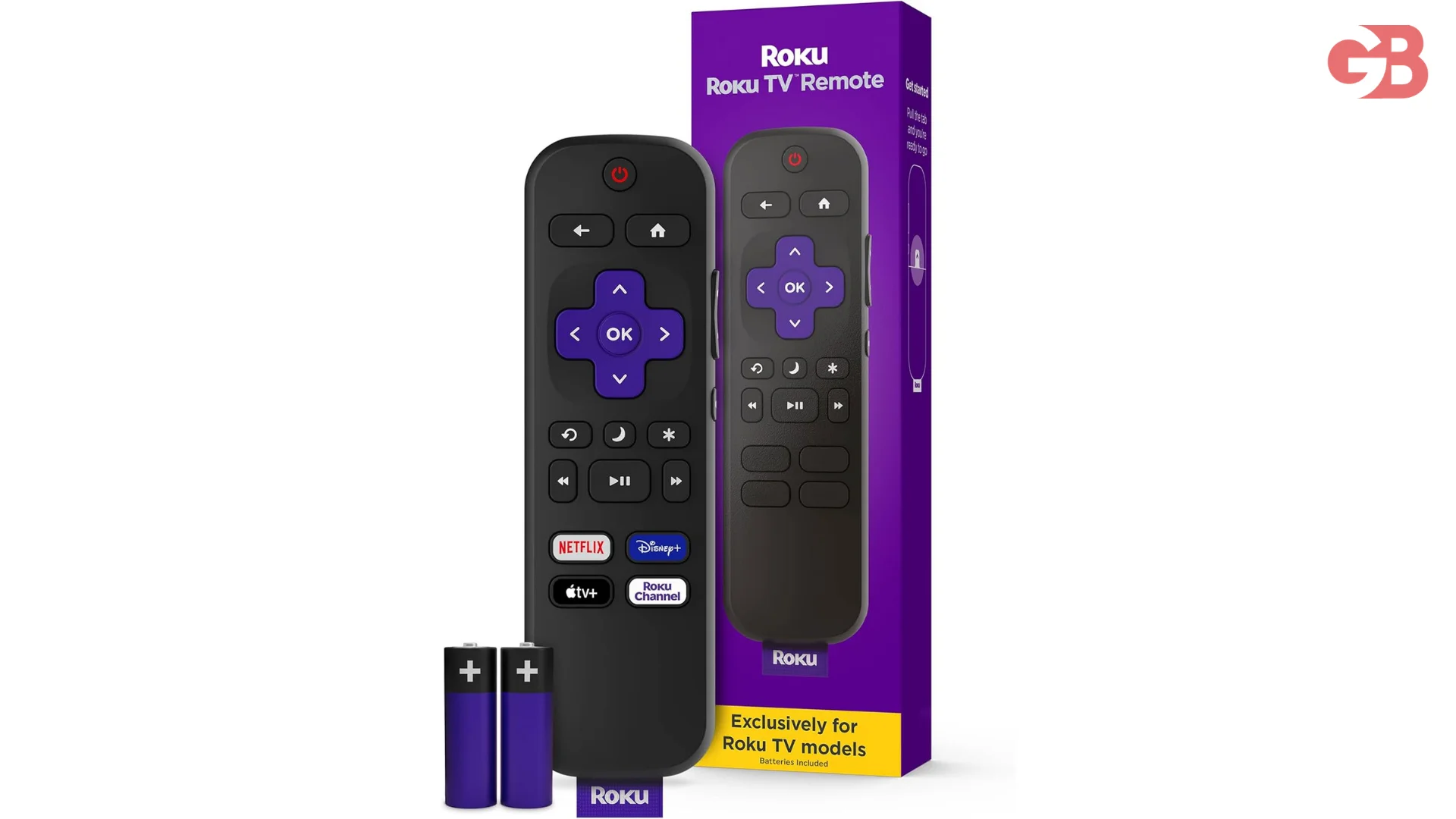
The Backlit Buttons
This is Roku's first backlit remote, and when you move the remote, press a button, or issue a voice command, the keys light up brightly and colorfully.
It sounds like a gimmick. It's not. Anyone who watches TV after dark and fumbles around trying to find the volume buttons by feel will immediately get it. The backlighting activates on motion, so it doesn't drain the battery sitting still it's only on when you're actively using it.
Hands-Free Voice
The always-on microphone is what Roku markets hardest about this remote, and it mostly delivers. Roku says the remote can register commands from up to 12 feet away, and it didn't have trouble picking out the wake phrase while sound played through the TV.
In practice, it works well for simple commands searching for a show, opening an app, adjusting volume, or going home. Where it stumbles slightly is with noisy environments or unusually fast commands. You have to wait a couple beats after saying "Hey Roku" to issue your command, which feels a little awkward compared to Alexa or Siri, which respond more fluidly.
Privacy-conscious users aren't left out either. There is a switch on the side of the remote for turning off hands-free voice controls, in case you have privacy concerns over the remote actively listening for commands. Flip the switch and it reverts to push-to-talk, just like a standard voice remote.
One thing worth knowing: by default, Roku stores recordings of all your voice commands, and while it disassociates them with your account after 30 days, the company still keeps them indefinitely. You can opt out through Roku's website. That's not widely advertised, so it's worth adjusting in settings if you care about it.
Battery Life
The original Voice Remote Pro used Micro-USB, which was already feeling outdated. The 2nd edition is the first rechargeable Roku remote with a USB-C charging port, and Roku promises 50% more battery life approximately three months on a single charge.
Three months is a long time between charges. In real use, it will vary depending on how much you use voice commands (the always-on mic draws some power), but even at two months, it's a massive step up from swapping batteries every few weeks.
If you already use USB-C cables for your phone or laptop, you don't need to keep a separate charging cable just for the remote. That small convenience adds up.
Also Read: How Many Inches Is a Roku Remote?
The Lost Remote Finder
If you've misplaced the remote, you can simply press the Lost Remote Finder button on the Roku player to have it emit a sound. You can also trigger it through the Roku mobile app or by saying "Hey Roku, where's my remote?" which works if the hands-free mic is already on.
The remote has a tiny speaker inside that beeps when triggered. It's loud enough to locate it under a blanket or behind a cushion but not so loud it'll scare anyone. If you regularly lose remotes (no judgment), this alone justifies the price difference over a standard remote.
The Headphone Jack
Here's something that doesn't get mentioned enough. The more significant change in the 2nd edition is the loss of the headphone jack on the left side you can no longer plug in your favorite wired headphones for private listening.
The original Voice Remote Pro had a 3.5mm headphone jack that allowed true private listening plug in earbuds and only you heard the audio. The 2nd gen dropped it.
For private listening now, you're down to a couple of options: some Roku players support Bluetooth audio, so you can pair wireless headphones, or you can route audio through the Roku mobile app on your phone and use wired or wireless headphones that way.
If you specifically want private listening for late-night TV, it's worth knowing this before upgrading.
Customizable Shortcut Buttons
The remote has two personal shortcut buttons that save voice commands. You can say "Hey Roku, open Spotify" and then long-press button "1" to save that action after that, one press takes you there instantly.
However, in the 2nd edition, Roku replaced one of the two shortcut buttons with a fixed "Guide" shortcut that jumps directly to Roku's live TV guide and cannot be changed. So if you never use the live TV guide, that button is wasted. You're left with just one truly customizable shortcut.
It's a small but real downgrade from the original that some users have complained about.
Who Should Actually Buy This
The Roku Voice Remote Pro makes the most sense in a few specific situations:
You have an older or budget Roku device that came with a basic IR remote this upgrade brings it up to a near-premium experience.
You're tired of replacing AA or AAA batteries and want something rechargeable.
You want backlit buttons for low-light viewing.
You find yourself frequently losing the remote.
If you already have a Roku Ultra or another high-end Roku player, you likely already have most of these features in the bundled remote. Buying the Voice Remote Pro separately would mostly be a sidegrade.
Compatibility Before You Buy
The Roku Voice Remote Pro works with most Roku players and all Roku TV models, though some older models may not be supported. Before purchasing, check Roku's compatibility page it's a quick lookup by model number that takes 30 seconds and saves potential frustration.
It also controls TV volume and power via IR, and can control soundbars and A/V systems over HDMI-CEC. However, it cannot control external sound systems over IR, so if your soundbar connects via optical audio or a 3.5mm cable instead of HDMI-ARC, you'll still need a separate remote for volume control.
FAQs
Does the Roku Voice Remote Pro work with all Roku devices?
It works with all Roku TV models and most streaming players, but a handful of older devices aren't supported check the official compatibility list on Roku's website before purchasing.
Can I use the remote without setting up hands-free voice?
Yes. There's a physical switch on the side of the remote that disables always-on listening. You can still use voice commands by pressing the microphone button manually, just like a standard voice remote.
How long does the battery actually last?
Roku officially claims three months on a single USB-C charge. Real-world use with heavy voice command usage will shorten that, but most casual viewers report 2–3 months without issue.
Is the 2nd edition better than the 1st edition?
For most people, yes USB-C charging and backlit buttons are genuine improvements. However, the 2nd edition dropped the headphone jack for private listening and reduced customizable shortcut buttons from two to one, which matters to certain users.
What's the difference between this and a regular Roku Voice Remote?
The standard voice remote requires you to press and hold the microphone button to speak. The Voice Remote Pro adds an always-on microphone (no button press needed), a rechargeable battery, backlit buttons, and the lost remote finder speaker.
Final Thought
The Roku Voice Remote Pro isn't a must-buy for everyone, but for the right user it's one of those upgrades that immediately makes you wonder how you lived without it. The backlighting, rechargeable battery, and lost remote finder are all small quality-of-life improvements that stack up meaningfully in everyday use. The hands-free voice works well enough, privacy switch included. Just go in aware of the dropped headphone jack and the limited shortcut buttons and you won't be disappointed.