


My cousin texted me at like 11pm last week asking which laptop to buy. He said he wanted something "not heavy." That's it. That's the whole message.
I called him and we talked for 30 minutes. Turns out he had no idea what "lightweight" even meant in laptop terms. And honestly, neither did most people I know.
So I went down a rabbit hole. Read specs, watched teardowns, compared weights until my eyes hurt. And by the end of it I had one clear answer I kept coming back to.
Let me walk you through everything I found.
What Even Is a Lightweight Laptop?
So here's the thing. There's no official rule that says "this weight makes a laptop lightweight."
But from everything I've researched, we're generally talking about anything under 3 pounds, so around 1.3 to 1.4 kg. That's the sweet spot people actually mean when they say they want something light.
Some people stretch it to 3.5 pounds and still call it lightweight. I personally think that's pushing it.
The point is, when you're carrying a bag all day, every single ounce starts to matter. I've had heavy laptops before and my shoulder would literally hurt by end of day. Not fun.
Why Does Weight Even Matter That Much?
Let me be real with you. If you only use your laptop at a desk at home, weight means almost nothing to you.
But if you're a student, a commuter, someone who works from cafes, or travels a lot, a lightweight laptop changes your life. I'm not being dramatic.
I went from a 4.5 pound laptop to a lighter one last year. The difference in how I felt after carrying it around a whole day was wild.
We often underestimate how much the physical weight of our gear affects our energy. This stuff adds up.
What Makes a Lightweight Laptop Feel Solid and Not Cheap?
This is where it gets interesting. Because not all lightweight laptops are built the same.
The cheaper ones cut weight by using thin plastic that bends and creaks. You close the lid and it flexes. That's not what we want.
The good ones use materials like magnesium alloy or aluminum. Light and rigid at the same time.
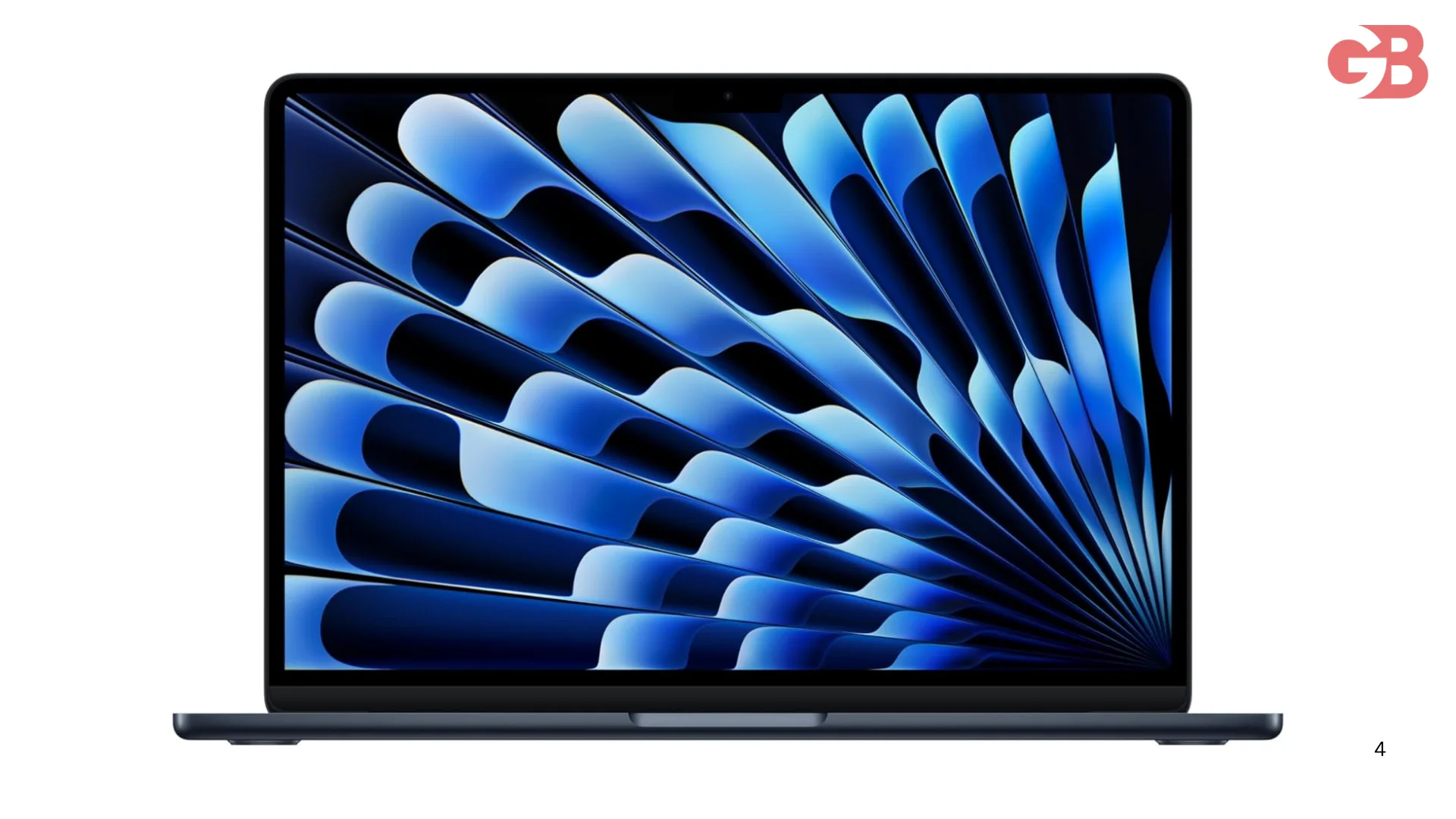
The MacBook Air M4 is a perfect example of this done right. It weighs just 2.7 pounds and sits at only 0.44 inches thin. And when you pick it up, it doesn't feel fragile at all. It feels expensive because it is built properly.
When I'm spending money on something I carry every day, build quality is not something I'm willing to compromise on.
 The Chip That Changed Everything
Okay so here's something I learned that I didn't really know before this research.
The reason lightweight laptops have gotten so good recently is mostly because of the processors.
ARM based chips, especially the ones Apple is making now, use way less power than older Intel chips. Less power means less heat. Less heat means no big cooling system. No big cooling system means the laptop can be thinner and lighter.
The M4 chip inside the MacBook Air is a great example. It's built on a 3-nanometer process, which makes it fast and incredibly efficient, with plenty of headroom for video editing, productivity, and even AAA gaming.
And because it runs so cool, Apple didn't need to put a fan inside. The machine runs completely silent.
That's wild to me. A fanless laptop that handles real work. We are genuinely living in a good era for this.
Battery Life Is Where It Gets Really Good
This one took me a second to fully understand. So let me break it down.
A big battery is heavy. If you want a super light laptop, something has to give. Either the battery gets smaller, or the chip has to be so efficient that a smaller battery still lasts all day.
The M4 chip pulls this off. In real-world use, the MacBook Air M4 manages over 14 hours and 55 minutes on a charge in most scenarios.
One reviewer started a coffee shop session at 43 percent battery, worked hard for six hours straight, and still had 15 percent left when they walked out.
I read that and I literally said "bro" out loud. That is impressive.
Also Read: Travel Gadgets That Actually Changed How I Pack
Screen Size vs Weight: The Trade-off Nobody Tells You About
Here's something I see people ignore all the time. Screen size and weight are directly connected.
A 15 inch lightweight laptop is always going to be heavier than a 13 inch one. That's just how it works. More screen, bigger frame, more material.
The MacBook Air actually comes in both sizes. The 13 inch version weighs 2.7 pounds. The 15 inch version bumps up to 3.3 pounds.
If I want the lightest possible option, I'm going with the 13 inch every time. But if I need more screen real estate, the 15 inch is still one of the lighter big-screen options out there.
How Much Should I Expect to Pay?
I get asked this a lot. And I always say the same thing.
Under $400 is going to be rough. You'll find some options but the build quality or battery life is going to disappoint you somewhere.
The $600 to $900 range is where things start to get real. Good build, decent performance, reasonable battery life.
The MacBook Air M4 starts at $999 and that includes 16GB of RAM, which is double what the previous model came with at the same price point. Apple actually dropped the price while upgrading the specs this time around.
For what you're getting, that's a solid deal. I've recommended laptops across all price ranges, but this one sits at a sweet spot where the value actually makes sense.
What I Always Check Before Recommending Any Laptop
I've gone through a lot of laptops in my head before recommending one to someone. Here's my checklist every time.
Weight and build material first. Then battery life under real use, not just what the marketing page says.
Then keyboard quality. I type a lot and a bad keyboard makes me miserable.
Then ports. Some ultra-thin laptops strip away everything to save space. The MacBook Air keeps two Thunderbolt 4 ports and a headphone jack. Not a ton, but usable.
And finally, performance for whatever the person actually needs to do. A writer needs different specs than a video editor.
Who Should Actually Buy a Lightweight Laptop?
Let me be specific because not everyone needs one.
Students who walk between classes and carry a full bag every day. Absolutely get a lightweight laptop. Your back will thank you.
Remote workers who hop between home, cafes, and co-working spaces. Yes. Get one.
Business travelers who fly a lot. This is the obvious one. We've all been that person struggling to fit a heavy laptop into the overhead bin.
Someone who sits at a fixed desk all day plugged into a monitor anyway? Weight probably isn't your top concern. You might care more about ports or screen resolution.
I always ask people how they actually use their laptop before I say anything else.
Common Mistakes People Make When Buying
My biggest one early on was buying based on the marketing photo. Laptop looks sleek on the website, I'm in.
Then it arrives and the keyboard feels mushy, the trackpad is too small, or the screen is dim indoors. We've all been there.
Another mistake is buying the lightest possible laptop without thinking about durability. Good lightweight laptops are light AND built to last.
Also, ignoring real-world battery numbers. Marketing says 20 hours. Real life says 9. Always look for reviews that test under actual use.
FAQs
What is considered a lightweight laptop?
Generally anything under 3 pounds or about 1.3 to 1.4 kg. The MacBook Air M4 at 2.7 pounds is a great benchmark.
Are lightweight laptops less powerful?
Not anymore. Chips like the M4 have closed that gap completely in the last couple of years.
Can I use a lightweight laptop for video editing?
Yes, especially with something like the MacBook Air M4. It handles video editing well despite having no fan.
What is the best lightweight laptop right now?
The MacBook Air M4 is the one I keep coming back to. Light, fast, silent, and great battery life.
Do lightweight laptops have good battery life?
The good ones do. The MacBook Air M4 gets over 14 hours in real-world use which is genuinely impressive.
Are lightweight laptops more expensive?
Generally yes. The engineering required to make something light and durable and fast costs more. The MacBook Air M4 at $999 is actually a strong value for what it offers.
Look, I started this whole thing because my cousin needed help at 11pm. And now I have way more opinions about lightweight laptops than any normal person should.
But here's what I told him in the end. Get the MacBook Air M4. It checks every single box we talked about. Light build, real-world battery life, silent operation, solid performance, and a price that actually makes sense for what you're getting.
That's my pick. And I'd make the same call for most people I know.